
Agent modes (Plan / Act / Ask)
Each chat tab carries an agent mode. The chip in the top-right of the chat surface tells you which one is active and lets you switch.
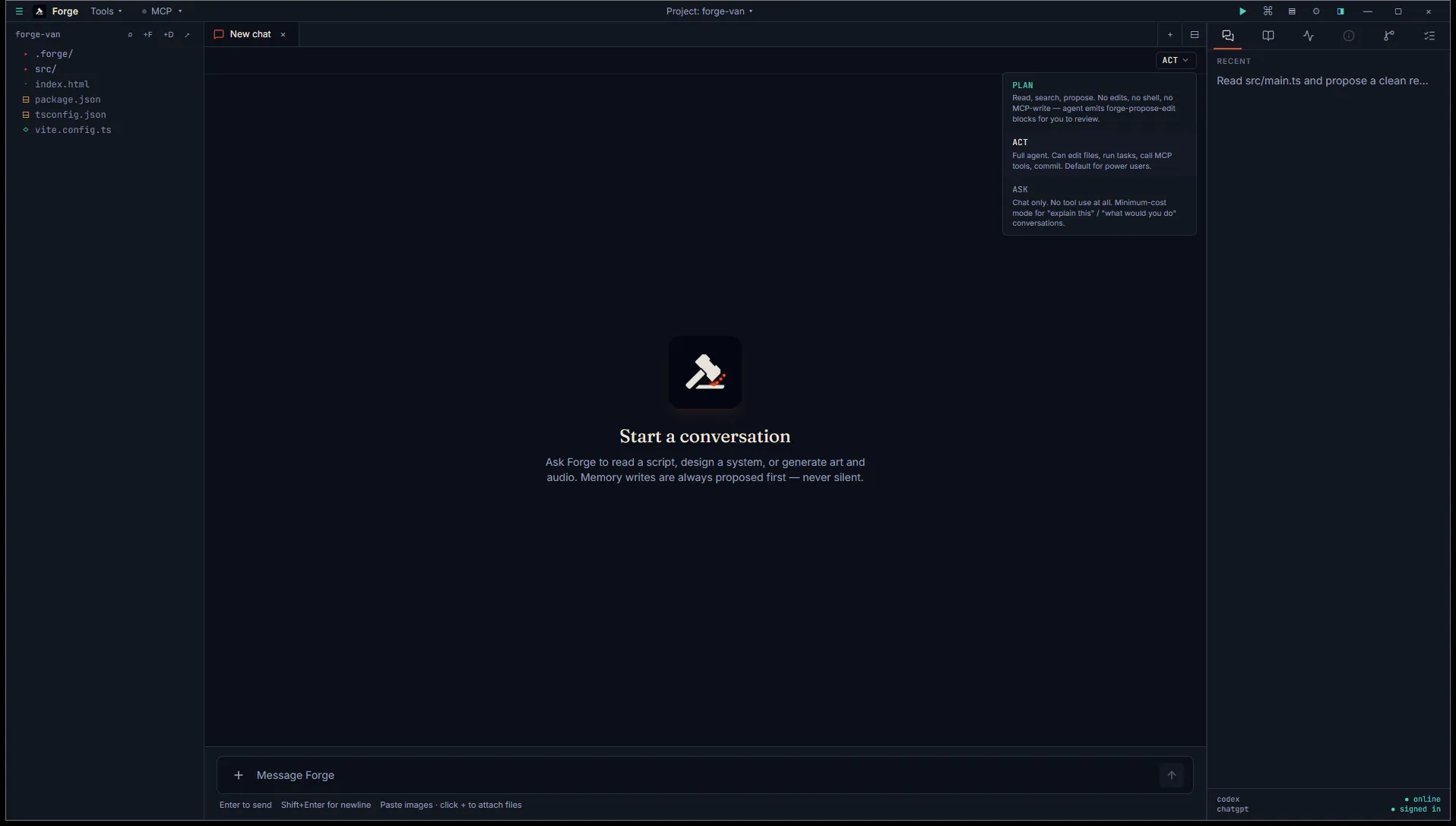
The mode is sticky per session. A new chat tab starts in Act mode by default and stays there until you change it. Restarting Forge preserves the mode for any chat you reopen.
The three modes
Section titled “The three modes”Full agent. Edits files, runs tasks, calls MCP tools, commits to git when changes are approved. This is the default for power users who want the agent to drive end-to-end.
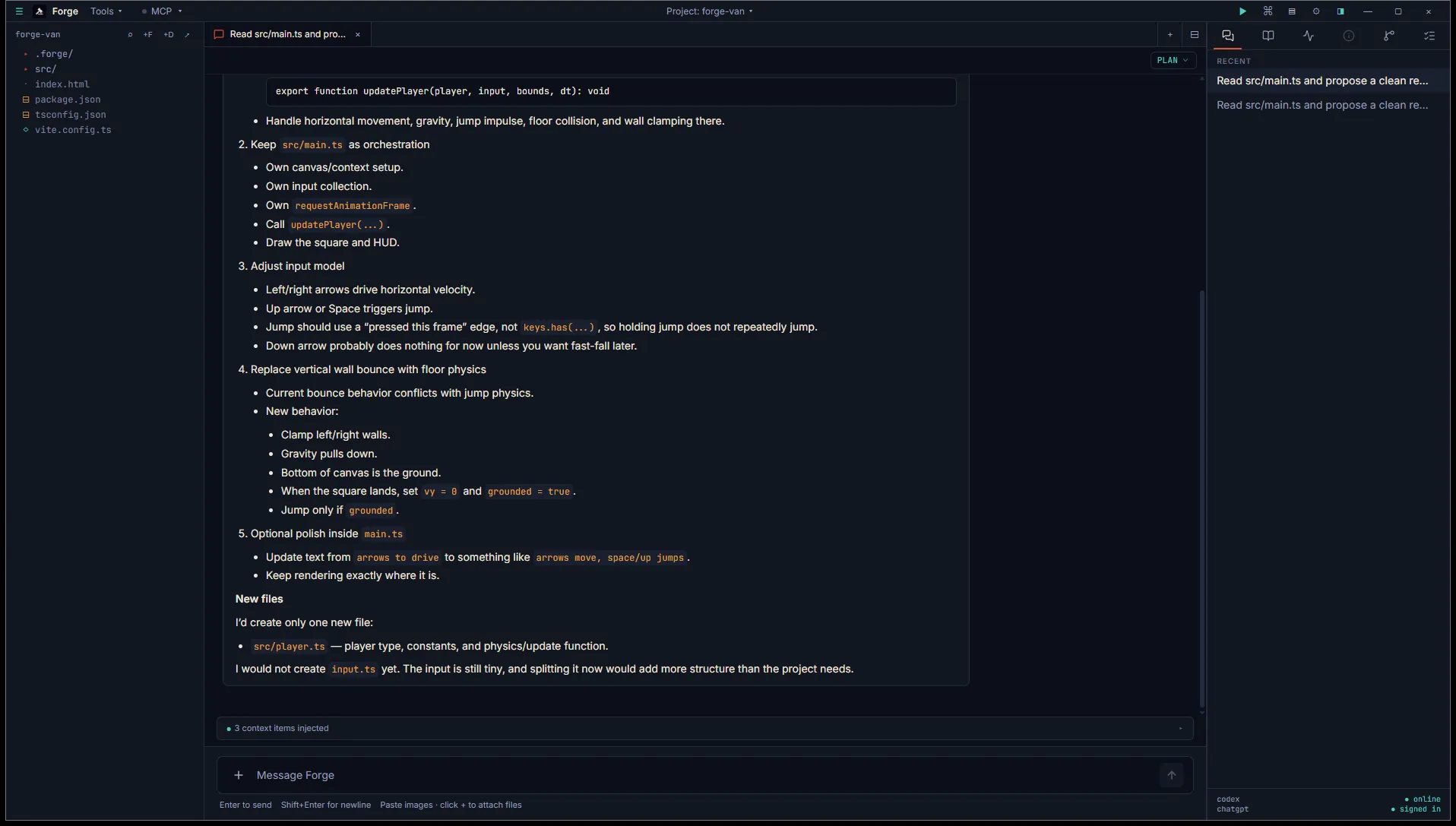
The agent can read, search, and propose changes via diff cards, but it cannot edit files, run shell commands that mutate state, or call MCP tools that write. When it wants to change something, the diff card lands in chat and waits for your approval.
Plan mode is also the working surface for .forge/plan.md. The agent sees the current plan body on every turn (capped at 8 KB) and updates it via forge-propose, adding items, ticking them off, or rewording. Forge mints the stable <!-- id: p_xxxxxxxx --> comments at write time; the agent never touches them. See the Plan-mode loop for the full draft to focus to tick flow.
Chat only. The agent doesn’t call any tools, period. No file reads, no shell, no MCP, no apply. Use it for “explain this concept” or “what would you do here” conversations where you don’t want the agent to go investigate.
Ask is the cheapest mode token-wise. The agent isn’t burning tokens on tool calls or file scans, just on the conversation itself.
Switching modes
Section titled “Switching modes”Click the chip in the top-right of the chat surface. The dropdown shows all three modes with a one-line description. Pick one and the chip updates immediately.
The chip’s color reflects the mode: persimmon for Plan, foreground (default) for Act, muted for Ask.
Per-tab tuning chips
Section titled “Per-tab tuning chips”The chat tab also carries three more chips that change behavior without changing mode.
Effort chip
Section titled “Effort chip”A small dropdown showing the reasoning effort the model uses for this tab. Six levels:
| Level | Use when |
|---|---|
| None | No reasoning. Cheapest, weakest. Image gen and web search are disabled at this level. |
| Minimal | Token-budget reasoning. Snappy follow-ups. Image gen and web search disabled. |
| Low | Short reasoning pass. Routine code edits. Lowest level that still allows image gen and web search. |
| Medium | The default for new tabs. Balanced, good for routine work. |
| High | Deep reasoning. Architecture, debugging. |
| X-High | Maximum reasoning. Slow and expensive. |
A small amber triangle on the chip warns you when the level has image gen and web search disabled, so you don’t discover it on a failed turn.
The chip is sticky per tab. The default comes from Settings → Chat → Default effort.
Fast-mode chip
Section titled “Fast-mode chip”Toggle between Flex (default) and Fast service tiers. Fast counts harder against your ChatGPT plan cap but delivers lower wall-clock latency. Useful when you’re waiting on an answer and the cost is worth it; revert to Flex for autonomous loops where latency doesn’t matter.
The chip’s color signals the active tier. Sticky per tab; defaults come from settings.
Context bar
Section titled “Context bar”A live token-usage bar showing how full the model’s context window is on the last turn. Color shifts from green (under 70%) to amber (70 to 90%) to red (90% and up).
Click the minimize icon at the right edge to manually compact the thread. Compaction summarizes earlier history into a smaller block on the next turn, so the bar visibly drops after the next turn lands. Use it when a long conversation is starting to fill the window and you want to keep going without spawning a new chat.
Hover the bar for a tooltip with cumulative thread spend (input, cached input, output, reasoning) and tips on what to do if reasoning tokens are climbing.
Stop and steer mid-turn
Section titled “Stop and steer mid-turn”While a turn is streaming:
- Stop button: cancels the in-flight turn. The agent’s partial output stays in the transcript; nothing is reverted.
- Steer: type into the composer and press Enter. The agent receives your input mid-stream and folds it into the response without restarting. Useful for course-correcting without losing the work the agent has already done.
The composer’s placeholder text changes during a streaming turn to remind you steer is available.
Attachments
Section titled “Attachments”The composer accepts file attachments alongside text:
- Images: paste images directly into the textarea, drop them in, or use the file picker. Up to 8 images, 8 MB each. Sent as base64 data URLs to the model’s vision input.
- Text files: dropped or picked text files inline as fenced code blocks ahead of the prompt. Forge infers the fence language from the extension. Up to 256 KB per file.
Use attachments for screenshots, reference art, code snippets you don’t want to paste verbatim. Rejections (unsupported format, over size limit, more than 8 attachments) surface in a friendly error inline in the composer.
What “soft enforcement” means
Section titled “What “soft enforcement” means”Today, modes are enforced through instructions. When you switch to Plan mode, Forge tells the agent at the start of the next turn: “you are in Plan mode, do not call apply_patch, emit forge-propose-edit blocks instead.”
This works in practice because the underlying model follows the instructions, but it’s not a hard guarantee. Stricter, tool-list-level enforcement is coming soon. Until then, if you spot the agent ignoring its mode, you can switch back to Act and ask it to undo, or revert via the Git tab if it already committed.
When to use which
Section titled “When to use which”- Starting a feature? Plan first to scope the change. Switch to Act once the diff cards look right.
- Stuck on a bug? Plan, then ask for the diagnosis. Switch to Act when you have a fix in mind.
- Learning the codebase? Ask. The agent will explain without poking around.
- Routine work, you trust the agent? Act. Skip the ceremony.
- Out of context? Hit the manual compact icon on the context bar before opening a new chat.