
Motion capture (DeepMotion)
The Motion tab uploads a video to DeepMotion’s Animate 3D service, which returns a skeletal FBX animation. Useful for getting a usable mocap take without owning a suit, or for converting reference footage into a starting animation you can polish.
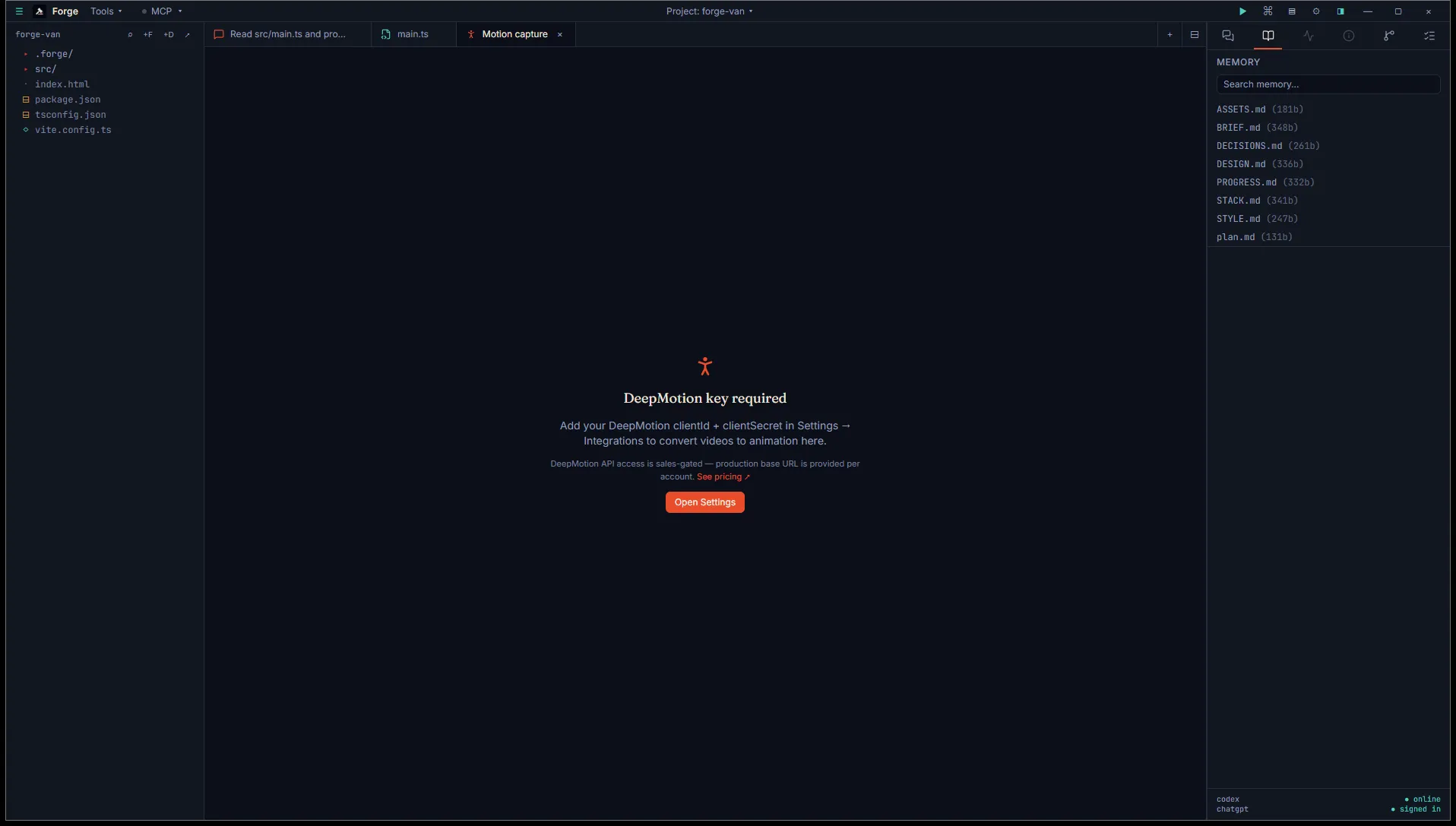
Open it
Section titled “Open it”Title bar Tools menu, then Asset generation (BYO key), then Motion — DeepMotion.
DeepMotion’s Animate 3D API is gated behind a sales conversation. You apply, they provision an account with API credentials and a per-account base URL. Free trial credits typically come with the account.
Once you have credentials, add them in Settings → Integrations → DeepMotion. Two fields, clientId and clientSecret. Forge stores them in your Windows Credential Manager.
Use it
Section titled “Use it”One input:
- Video file picker. Accepts MP4, MOV, WebM, M4V, and AVI.
Click Generate. Forge uploads the video, polls every 5 seconds for status, and downloads the FBX when complete.
Status flow
Section titled “Status flow”The button label changes through the lifecycle:
- Uploading… while the video transfers.
- Generating… while DeepMotion processes (this is the bulk of the wait).
- Downloading FBX… while the result transfers back.
A progress bar tracks the polling state. The job ID is shown in hex format in the status box, useful for support requests.
DeepMotion can return any of these terminal states: SUCCESS, SUCCEEDED, COMPLETED, DONE, FAILED, ERROR, CANCELED, CANCELLED. Forge treats the first four as success and the rest as failure.
Output
Section titled “Output”FBX saved to <project>/.forge/generated/motion/<timestamp>.fbx. The result card has:
- Open in default app to view the animation in whatever’s registered for FBX (Blender, Unity, etc.).
- Engine import to land the file in your engine’s import folder.
There’s no inline preview. FBX viewers vary by stack and the cleanest path is to open the file in the tool you’ll actually use it in.
Status: alpha
Section titled “Status: alpha”Forge’s DeepMotion integration uses the auth shape from DeepMotion’s public README, but the request and response bodies haven’t been verified against a production account yet (we’re still waiting on access). If you have an account and Forge fails on a real call, the fix is small (one or two lines in the integration) and reaching out at support@ranga.ai gets it patched quickly.