
Open your first project
Forge has two top-level modes for talking to the agent.
Open mode has no project boundary. Use it for quick questions, throwaway scripts, and exploring something on disk that isn’t yet a project. Memory writes go to ~/.forge/scratchpad/.
Project mode is pinned to a folder. The agent’s working directory is the project root, memory writes go to <project>/.forge/, the file watcher keeps the index fresh, and engine bridges (Unity, Godot) auto-detect off the project root.
Project mode is where Forge earns its keep. The rest of this guide assumes you’re using it.
Open a project
Section titled “Open a project”Click the mode dropdown in the top-left of the title bar, then Open project, then pick a folder.
The first time you open a folder, Forge creates a .forge/ directory in it with a starter set of memory files (BRIEF.md, DESIGN.md, STACK.md, DECISIONS.md, PROGRESS.md, STYLE.md, ASSETS.md, SYSTEMS.md) and a tasks.toml template. These are plain markdown and TOML. Version-control them, edit them by hand, or let the agent propose updates.
If a project.godot file lives in the root, Forge enters Godot mode. If Assets/ plus ProjectSettings/ProjectVersion.txt are present, it enters Unity mode. Both are described in Engine modes.
Want a playable game in 30 seconds?
Section titled “Want a playable game in 30 seconds?”When you scaffold a brand new project, Forge offers a “Pick a starter bundle?” modal. The four public bundles each scaffold a complete playable slice with its systems pre-wired, scenes, music, SFX, menus, QA scenarios. See Picking a starter bundle for the rundown.
Skip the bundle picker if you’re opening an existing project; the picker only fires when you’ve just created a folder from scratch.
Send your first message
Section titled “Send your first message”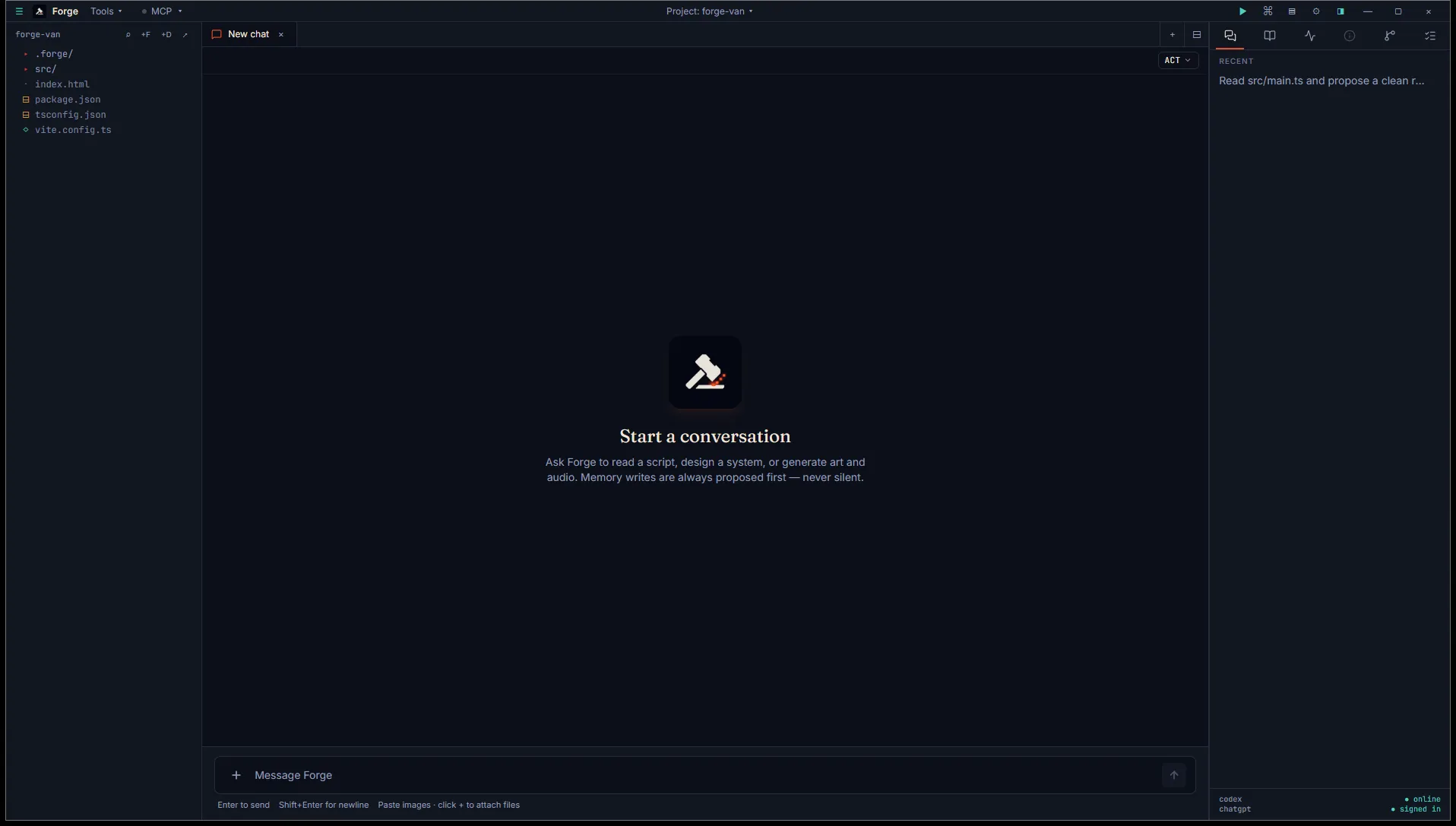
The chat tab is open by default in the centre pane. Try:
Skim the BRIEF.md and DECISIONS.md files in .forge/ and tell me what this project is.
The agent reads them (memory injection happens automatically on every thread start) and responds.
What’s in .forge/
Section titled “What’s in .forge/”| File | Purpose |
|---|---|
BRIEF.md | Pitch, audience, scope, success criteria. |
DESIGN.md | Game design pillars, mechanics, narrative. |
STACK.md | Engine, plugins, dependencies, versions. |
DECISIONS.md | Append-only ADR-style decision log. |
PROGRESS.md | Current state snapshot (overwrite-safe). |
STYLE.md | Art direction, palette, tone. |
ASSETS.md | Asset registry. Auto-updated when Forge generates images, audio, etc. |
SYSTEMS.md | Notes on the project’s systems spine (entry points, conventions, gotchas). |
plan.md | Shared checklist between you and the agent. See Plan-mode loop. |
tasks.toml | Task definitions surfaced in the command palette. |
gamemanager.toml | Registered systems and startup order. See The Game Manager spine. |
workspace.json | Per-project layout state (tabs, splits, terminal cwd). |
.index/memory.db | SQLite index for memory search. |
Full schemas live in Memory file formats.
- Quickstart by engine for Unity, Godot, or web setup.
- Concepts for the mental model before diving in.