
Sprites (Scenario.gg)
The Sprites tab generates PNG sprites using your own Scenario.gg trained model. This is the right tool when you’ve already invested in a Scenario model that captures your game’s art direction (a specific pixel-art palette, a hand-drawn line style, a 3D-rendered look) and you want to keep generating new sprites in that style.
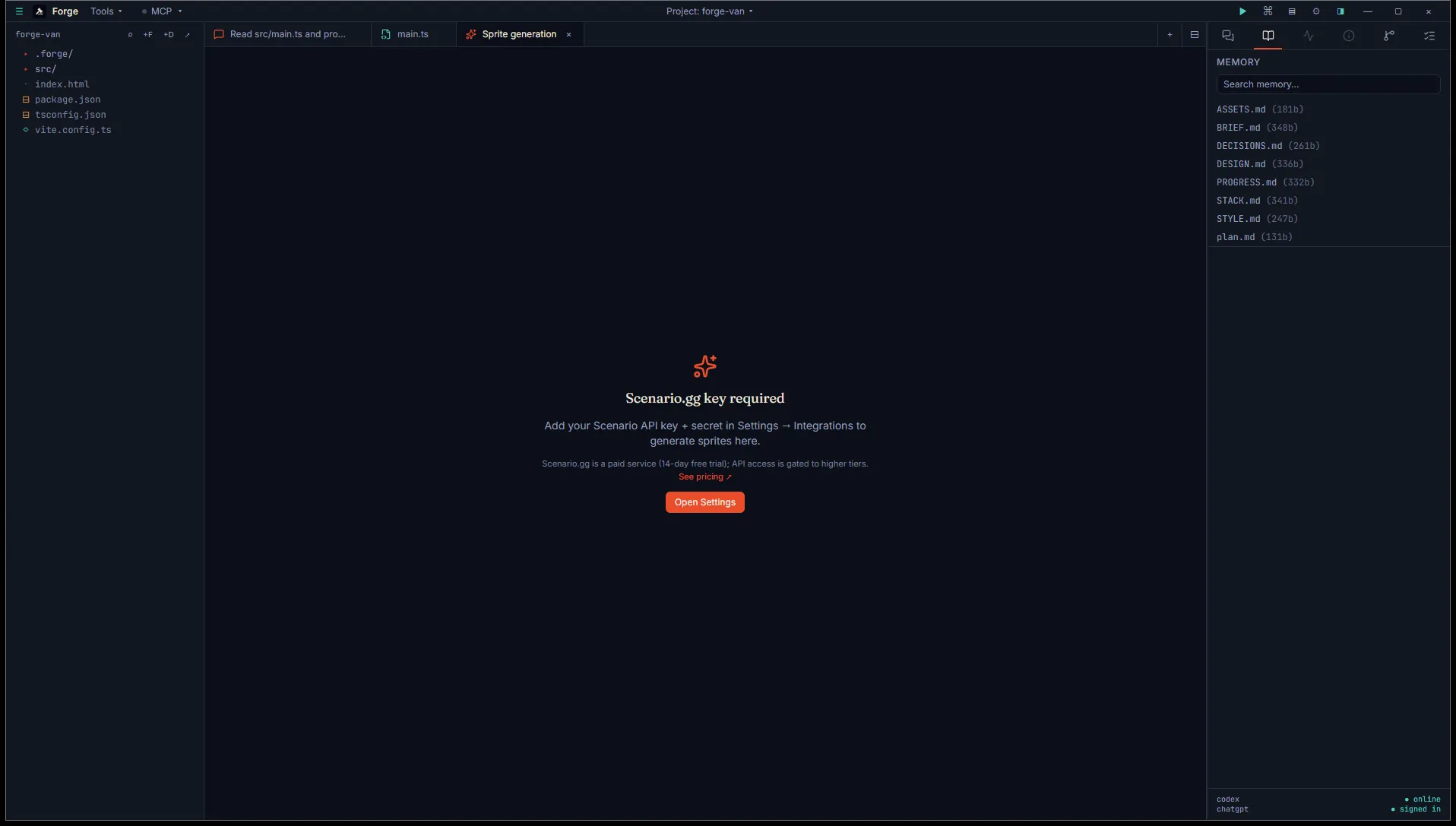
Open it
Section titled “Open it”Title bar Tools menu, then Asset generation (BYO key), then Sprite — Scenario.gg.
Two things needed before this tab works:
- An API key + secret pair from Scenario. Scenario uses Basic auth, not a single bearer token. Get both from your Scenario dashboard and add them in Settings → Integrations → Scenario.
- A trained model. Scenario’s value is the per-style trained models. Go to app.scenario.com, train a model on your reference art, and confirm it’s available before opening the tab. Without trained models, Forge has nothing to drive inference against.
The tab shows guidance if no models are found.
Use it
Section titled “Use it”Five inputs:
- Model picker. Forge fetches your trained models on first open and caches them for the session. Hit Reload models if you’ve trained a new one.
- Prompt. What to generate, in your model’s style. Character count is shown.
- Negative prompt. Optional. What to avoid.
- Size. 512, 768, or 1024 pixels (square).
- Samples. 1, 2, or 4 images per inference.
Click Generate. Forge submits the inference and polls every 3 seconds for completion.
Polling and progress
Section titled “Polling and progress”A progress bar with percentage tracks Scenario’s reported progress. When the job completes, the result grid appears.
Each result card shows:
- The image at thumbnail size.
- File size in KB.
- The generation seed (handy if you want to vary one parameter while keeping the random state).
- Open, Reveal in Explorer, and Engine import buttons.
Output
Section titled “Output”PNGs saved to <project>/.forge/generated/sprites/<timestamp>-<n>.png. Each image gets logged to ASSETS.md along with the model name, prompt, and seed.
- Models are cached at module scope. Reopening the tab in the same session doesn’t re-fetch.
- Closing the tab during inference doesn’t cancel the job. The PNGs still save when the job finishes.