
Project detection
When you open a folder, Forge looks for a project.godot file in the root. If it finds one, the workspace switches into Godot mode.
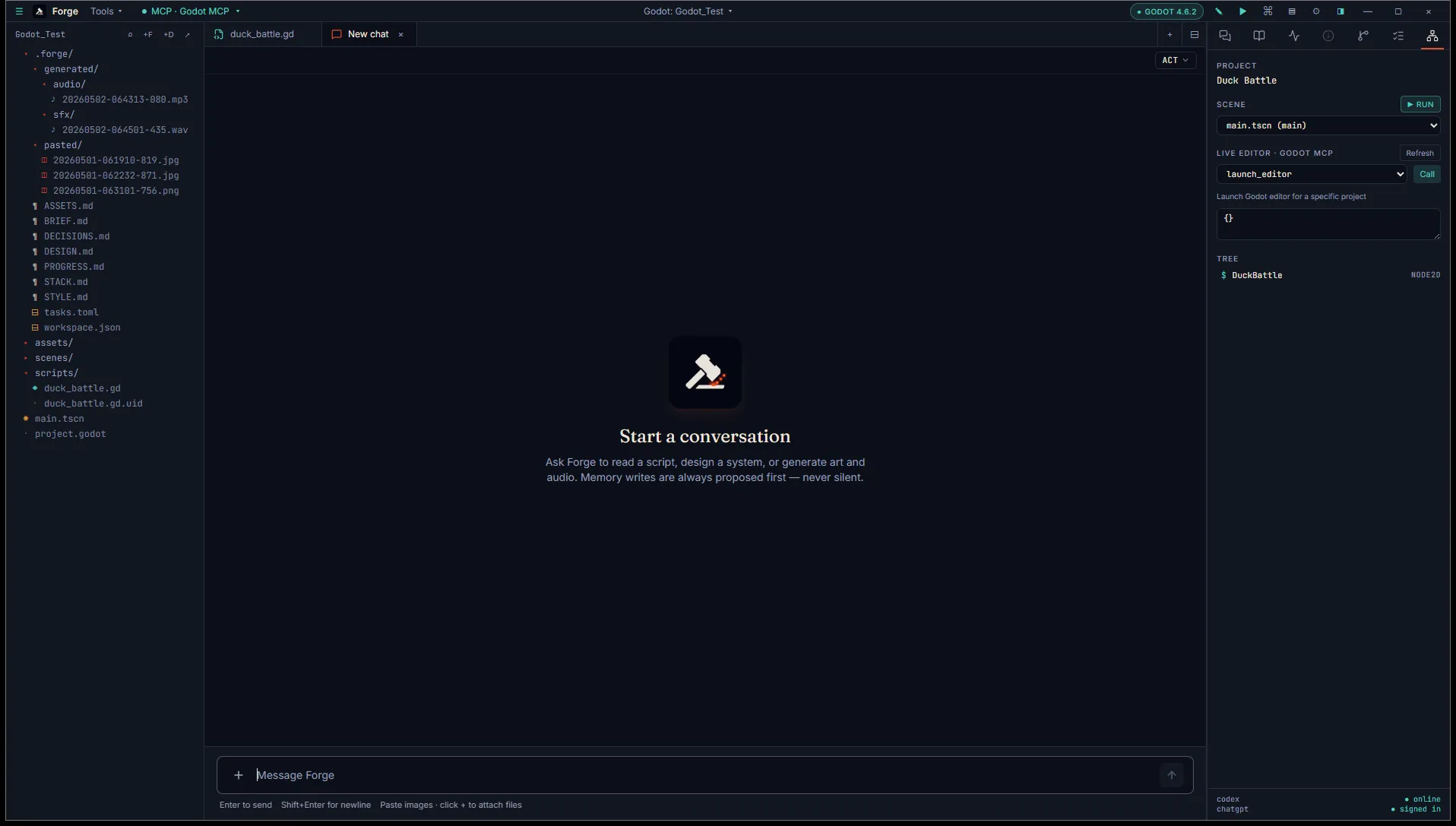
Detection is a single check, run once when the project opens. It’s deliberately cheap: no walking the tree, no probing Godot’s binary, nothing that depends on having Godot installed.
What “Godot mode” gives you
Section titled “What “Godot mode” gives you”- A Godot pill in the title bar showing the engine version.
- A Scene tab in the Inspector that parses
.tscnfiles. - An Outline tab that lists members of the active
.gdfile. - Skills tagged for Godot fire when their version constraint matches.
If your project doesn’t have project.godot in the root (a stripped-down asset library, a plugin repo, etc.), Forge stays in plain Project mode. You can still edit .gd and .tscn files normally, you just won’t get the Godot-specific Inspector tabs.
Engine version
Section titled “Engine version”Forge reads the version from project.godot’s [application] section. The relevant line looks like:
[application]
config/features=PackedStringArray("4.5", "Forward Plus")
The first numeric entry in config/features is taken as the engine version. In the example above, Forge reports 4.5 and gates skills with engine: godot, engine_version: ">=4.5" to projects on 4.5 or newer.
If the line is missing or malformed, Forge surfaces the project as “Godot (version unknown)” and skills with no version constraint still fire.
Pointing Forge at a Godot binary
Section titled “Pointing Forge at a Godot binary”If you want Forge to be able to run Godot from a task (headless export, command-line tooling), it needs to know where the binary is. Resolution order:
- The
GODOTenvironment variable, if set. - A user-set path from Settings → Workspace → Godot binary.
- PATH, looking for
godot,godot4, thenGodot_v4.
The settings entry is the right place for most users. Pick the binary once and Forge remembers it.
What’s next
Section titled “What’s next”- Scene tree inspector covers the Scene tab.
- GDScript outline covers the Outline tab.
- Build mode covers headless exports via tasks.