
Sessions and memory
A chat session is one conversation with the agent. Every chat tab corresponds to a session. Forge persists sessions and their messages so closing and reopening the app picks up exactly where you left off.
This page covers what’s stored, where, and how the agent gets context at the start of each turn.
Where sessions live
Section titled “Where sessions live”Sessions and messages are stored in a SQLite database at %APPDATA%\Forge\forge.db. The schema has two main tables:
sessionsholds one row per chat. Title, project path, workspace mode, model, the Codex thread ID it’s bound to, timestamps, and message count.messagesholds the conversation history. One row per user, assistant, or tool message.
Sessions are global, not per-project. You can open a session from any project. The session remembers which project it started against and uses that for memory injection (see below).
Resuming a session
Section titled “Resuming a session”When you reopen a chat tab, Forge loads its messages from forge.db and resumes the underlying Codex thread. The agent sees the prior conversation and can pick up mid-task without losing context.
If the Codex thread has expired or the session is very old, Forge mints a fresh Codex thread and replays a summary of recent messages so the agent has enough recall to continue.
What gets injected on every turn
Section titled “What gets injected on every turn”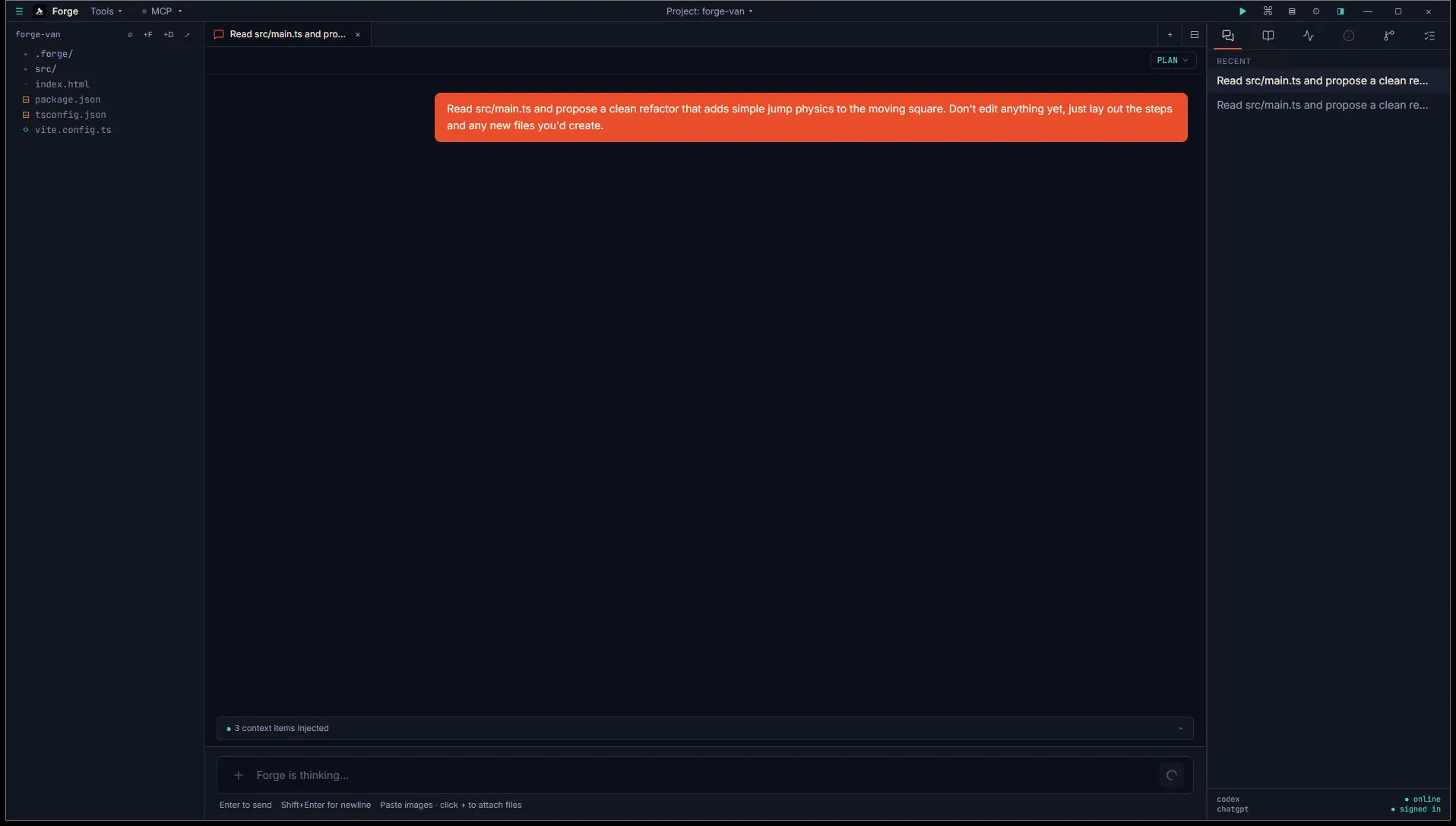
When you send a message that starts a fresh thread, Forge assembles a context blob and passes it to Codex as developer instructions. The blob is layered:
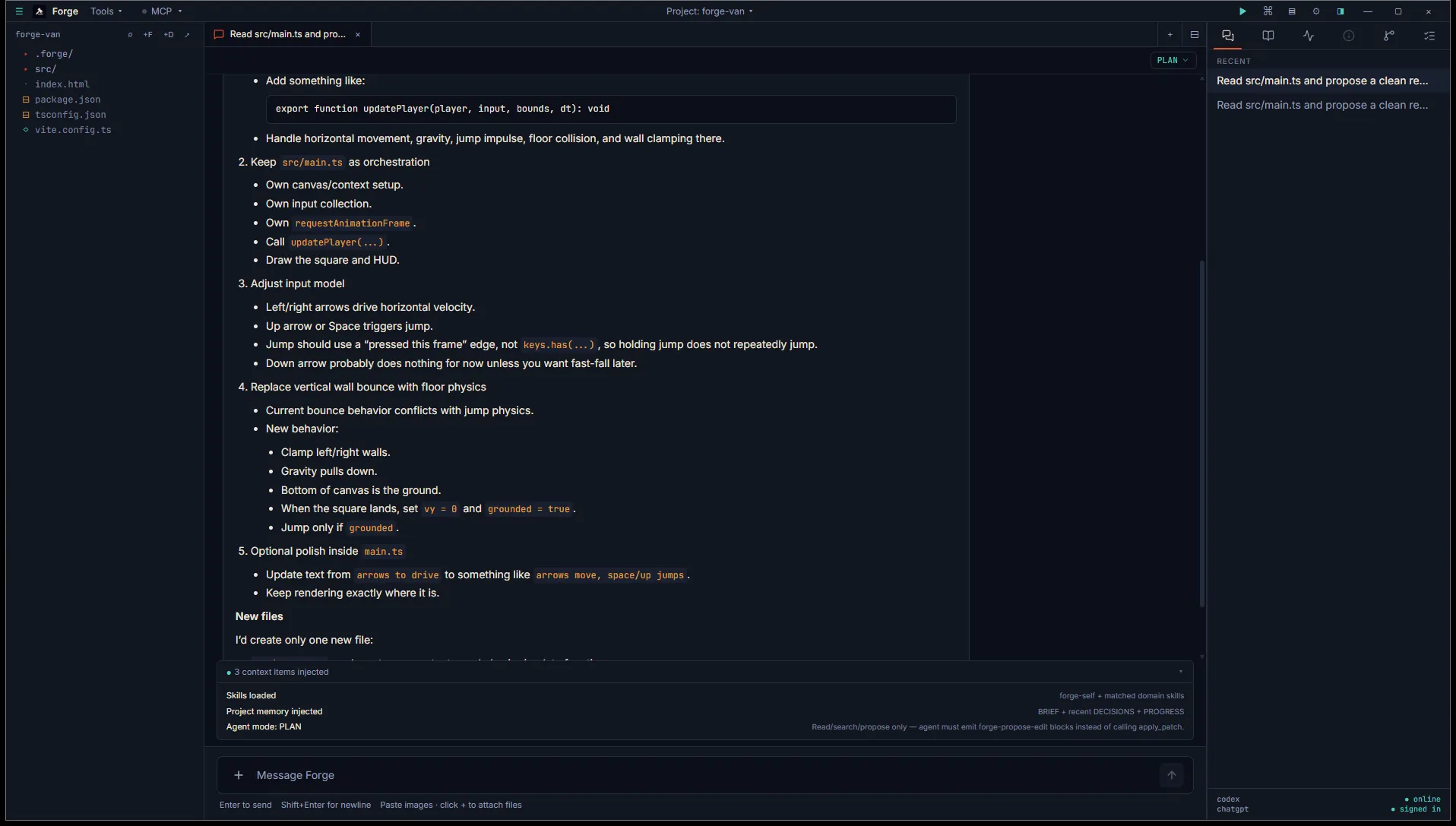
- Skills. The body of every always-on skill, plus skills whose triggers match your prompt or your active file. The full skill manifest (just names) is always included so the agent knows what’s available.
- Project memory. In project mode, Forge injects
BRIEF.mdin full plus the most recent entries fromDECISIONS.mdandPROGRESS.md. - Memory search results. If you have semantic search enabled, the top-N memory chunks matching your prompt are included.
- Active file. If you have a code or markdown file open in a workspace tab, its contents (truncated to fit) are injected so the agent can refer to it without you re-pasting.
- Agent mode. If you’re in Plan or Ask mode, an instruction block telling the agent which tools are off-limits.
You can see exactly what’s being injected by expanding the Continuity panel that sits above the prompt input. It shows a list of every context item Forge added this turn.
Project memory vs scratchpad
Section titled “Project memory vs scratchpad”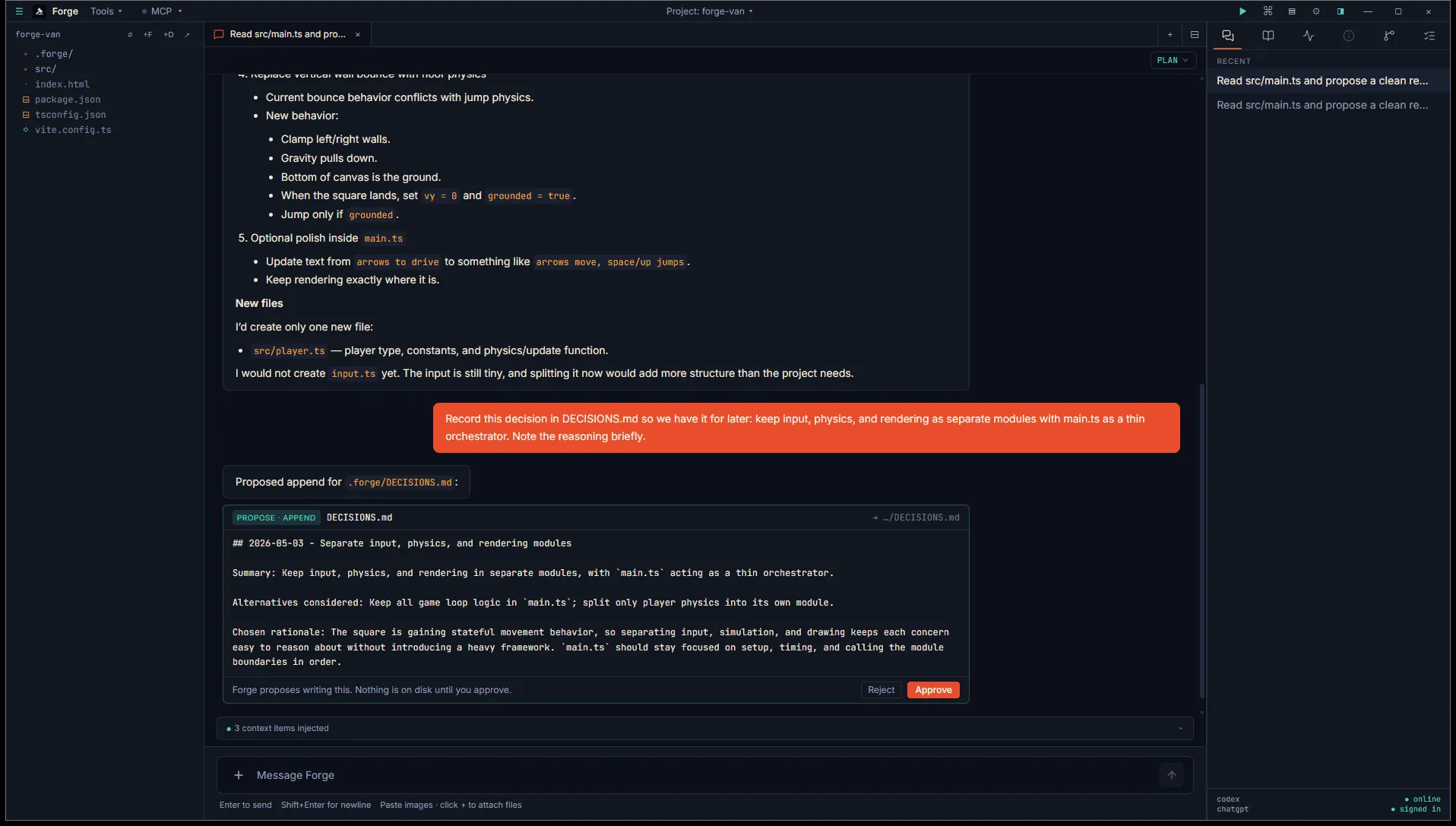
Memory writes are always proposed. The agent emits a card, you read the proposed change, and nothing lands on disk until you approve.
In project mode, memory lives in <project>/.forge/. In open mode, it lives in ~/.forge/scratchpad/. Both are plain markdown files you can edit directly or let the agent propose updates to.
The schemas (BRIEF, DESIGN, STACK, DECISIONS, PROGRESS, STYLE, ASSETS, SYSTEMS) are the same in both. The difference is scope: project memory is bound to one game, the scratchpad is shared across every open-mode chat.
Full schemas are documented in Memory file formats.
Memory search
Section titled “Memory search”Forge maintains a search index over <project>/.forge/*.md so the agent (and you) can find references quickly.
The default index uses SQLite FTS5 with BM25 ranking. Keyword search, fast, no model required.
You can opt into semantic search in Settings → Memory → Semantic search. Forge downloads a small embedding model (about 30 MB) on first use and adds vector similarity into the ranking. Hybrid scoring blends BM25 and vector similarity so exact-match queries still work.
The index lives at <project>/.forge/.index/memory.db. It rebuilds incrementally when you save a .forge/*.md file, with a debounce to avoid thrashing during edits.
Force a full rebuild from Settings → Memory → Rebuild index. The settings panel shows the current chunk count, embedded count, model, and last-updated timestamp.