
3D mesh (Meshy)
The Mesh tab calls Meshy’s text-to-3D endpoint to generate a GLB model from a prompt. Useful for placeholder meshes during prototyping, props that don’t justify a custom modeller’s time, or generating reference shapes you’ll re-model by hand.
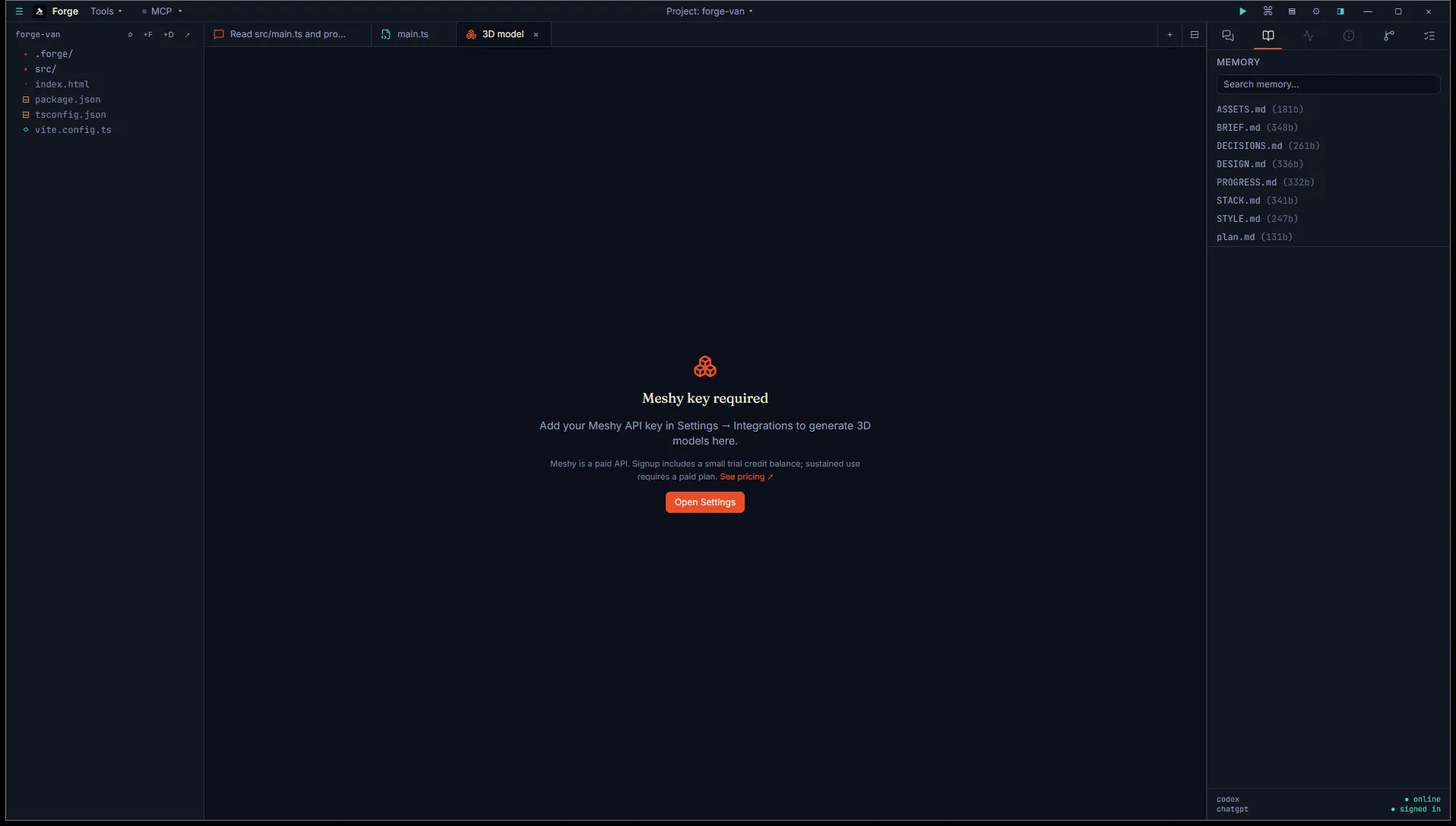
Forge gates paid APIs behind a clear empty state. Add the key in Settings → Integrations to unlock the inputs.
Open it
Section titled “Open it”Title bar Tools menu, then Asset generation (BYO key), then 3D mesh — Meshy.
You need a Meshy API key. Free tier comes with trial credits. Paid plans top up your credit balance.
Add the key in Settings → Integrations → Meshy. Forge stores it in your Windows Credential Manager.
Use it
Section titled “Use it”Three inputs:
- Prompt. What to model. “Stylized fantasy mushroom, three caps stacked, glowing spots.”
- Art style. Picker with five options: Realistic, Sculpture, PBR, Cartoon, Low poly. Driven by Meshy’s API.
- Negative prompt. Optional. What to avoid: “no text, no humanoid figures.”
Click Generate. The button changes to “Generate (preview)”. Forge submits the job to Meshy and starts polling every 5 seconds for status updates.
Polling and progress
Section titled “Polling and progress”A progress bar fills as Meshy reports IN_PROGRESS status. Once Meshy returns SUCCEEDED, Forge downloads the GLB and renders the official Meshy thumbnail inline so you can see what arrived.
Other terminal statuses Meshy can return:
FAILED: the prompt was rejected or generation crashed. Error shown inline.CANCELED: someone cancelled the job (rare).EXPIRED: the result aged out of Meshy’s storage before Forge fetched it.
Output
Section titled “Output”GLB saved to <project>/.forge/generated/meshes/<timestamp>.glb. The result card has:
- Open in default app to view the GLB in your system’s viewer.
- Engine import to drop the file in your engine’s import folder.
Your remaining Meshy credit balance is shown in the tab header and refreshed after each successful generation.
What’s not here
Section titled “What’s not here”The Meshy API supports an image-to-3D mode and a “refine” pass that takes a low-res preview and turns it into a high-res final. Forge’s tab uses the preview-only flow today. Image-to-3D, refine, and auto-rigging are on our roadmap.
- If you close the tab while polling is in flight, the job continues server-side and the GLB still saves to disk. You just lose the inline preview.
- The credit balance only refreshes after a generation completes. Open the tab fresh and the balance you see is from your last generation.