
Unity bridge: read tools
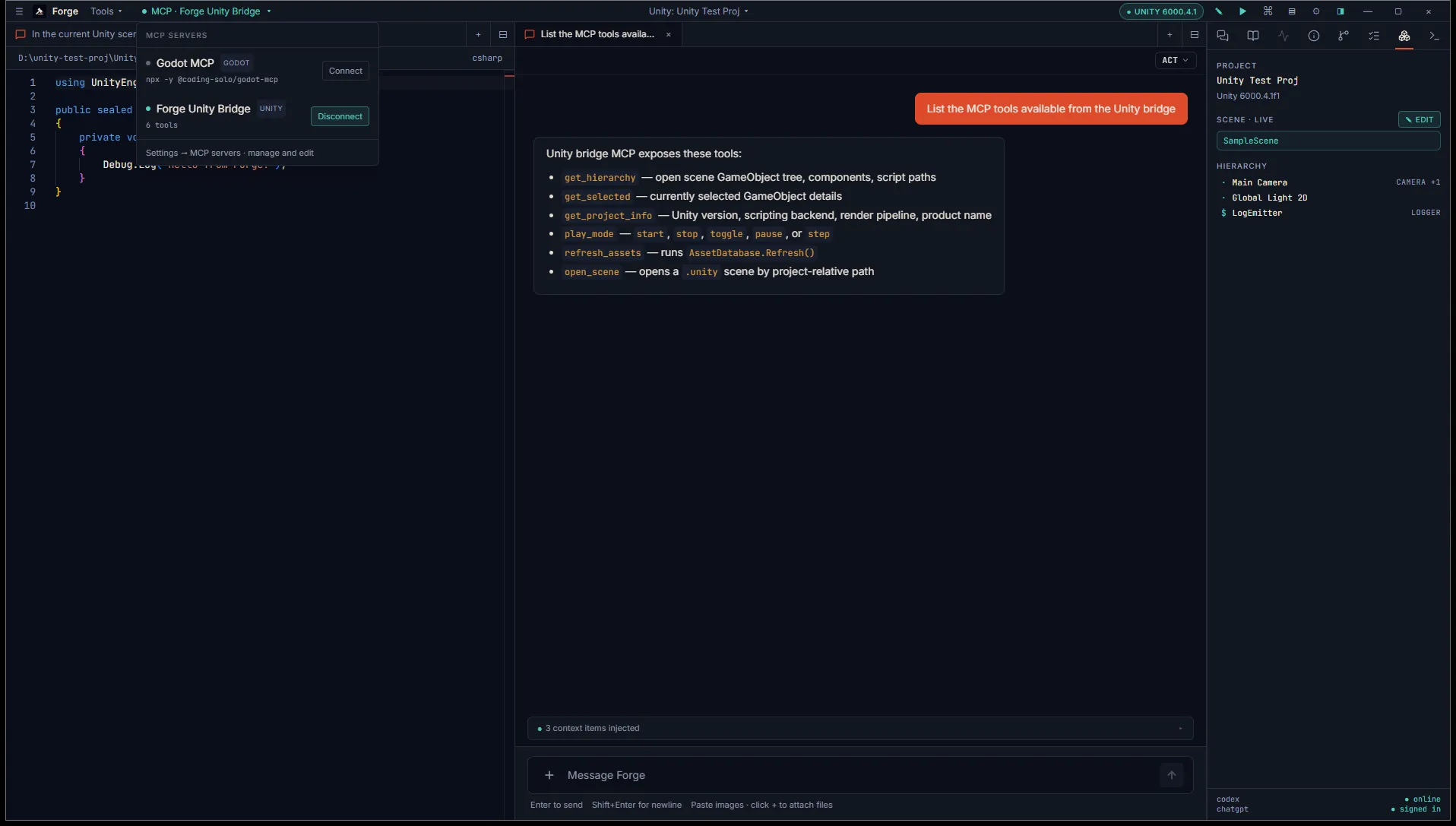
Once the bridge is connected, the agent has access to a handful of tools that read state from the Unity Editor. These are the queries you’ll see the agent make when it’s gathering context before proposing a change.
get_hierarchy
Section titled “get_hierarchy”Returns the active scene’s GameObject tree. Each node carries its name, type, instance ID, and child list. The agent uses this when it needs to “see” the scene before reasoning about it.
The Inspector’s Hierarchy tab is the same data, rendered as a clickable tree.
get_selected
Section titled “get_selected”Returns whatever GameObject is currently selected in the Unity Editor. The agent uses this when you say “the thing I have selected” without naming it.
get_project_info
Section titled “get_project_info”Returns the project’s metadata: project path, Unity version, active scene path. The agent calls this once when it needs to confirm what kind of project it’s looking at.
refresh_assets
Section titled “refresh_assets”Tells the Unity Editor to refresh its asset database. Equivalent to Ctrl+R in the Editor. The agent calls this after writing or moving asset files so Unity sees the changes immediately.
open_scene
Section titled “open_scene”Opens a scene file by path. The agent uses this to switch to a different scene before making edits.
play_mode
Section titled “play_mode”Enters or exits Play mode. The agent uses this to test changes by hitting Play, observing the result, and stopping again. Wrapped so it doesn’t fight Domain Reload (the bridge survives the Play boundary).
Push streams and selection
Section titled “Push streams and selection”The bridge also runs internal push streams that power the Console tab and the Hierarchy click-to-ping behavior. These aren’t enumerated as MCP tools; they’re direct Forge ↔ bridge calls that keep the live UI surfaces in sync.
- Console stream: new
Debug.Logentries arrive in Forge as they happen, plus a recent buffer when the Console tab first opens. - Selection sync: clicking a node in Forge’s Hierarchy pings the corresponding GameObject in the Unity Editor, and the Editor’s selection updates Forge in turn.
What’s next
Section titled “What’s next”- Write tools covers what the agent can change.
- Build mode installs the headless build entry points.