
Quickstart: Godot
Forge integrates with Godot by reading the project’s plain-text files directly. Scenes (.tscn), scripts (.gd), and project metadata (project.godot) are all human-readable, so Forge parses them without needing a runtime bridge.
That makes Godot setup faster than Unity. There is nothing to install in your project.
Prerequisites
Section titled “Prerequisites”- Godot 4.x.
- A Godot project with a
project.godotfile in the root.
1. Open the project in Forge
Section titled “1. Open the project in Forge”Click the mode dropdown (top-left of the title bar) and choose Open project. Pick the folder containing project.godot.
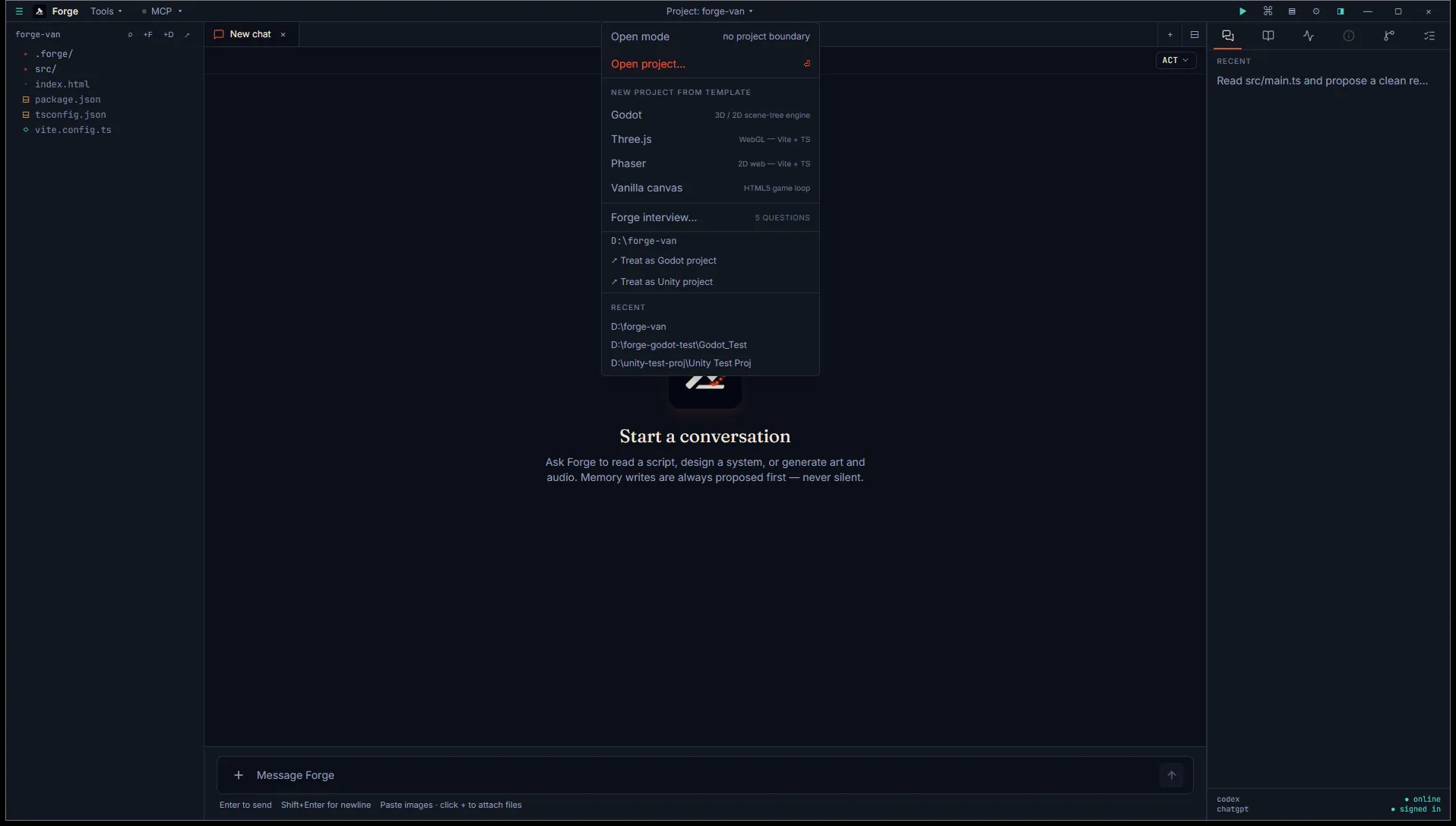
Forge detects Godot automatically. A Godot pill appears in the title bar with the detected engine version (parsed from the [application] config/features line in project.godot).
2. Browse scenes from the Inspector
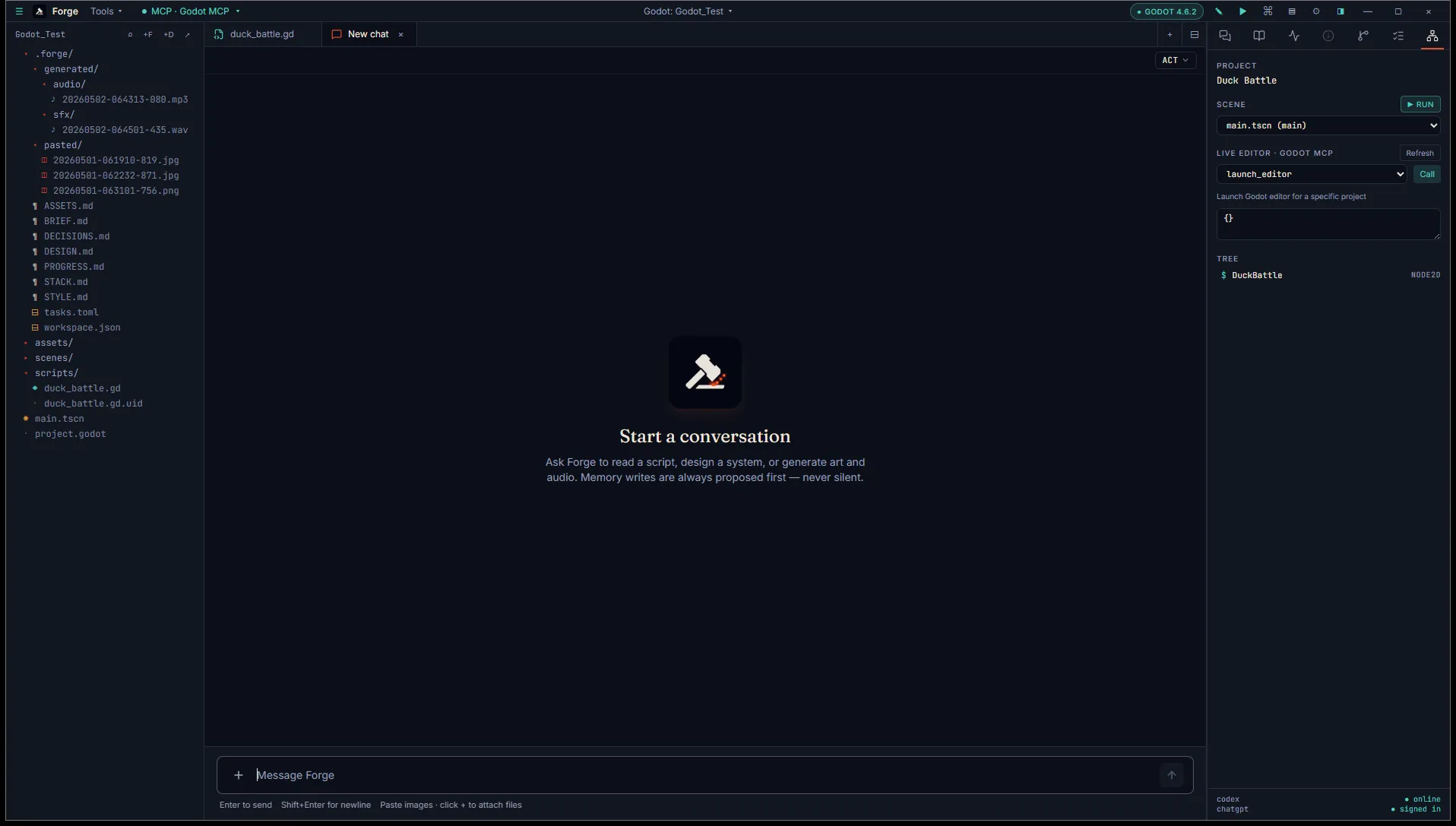
Section titled “2. Browse scenes from the Inspector”The Inspector grows a Scene tab. Click any .tscn file in the project explorer and the tab fills with the parsed node tree. From there, ▶ Run in the project panel launches the Godot Editor and starts the scene.
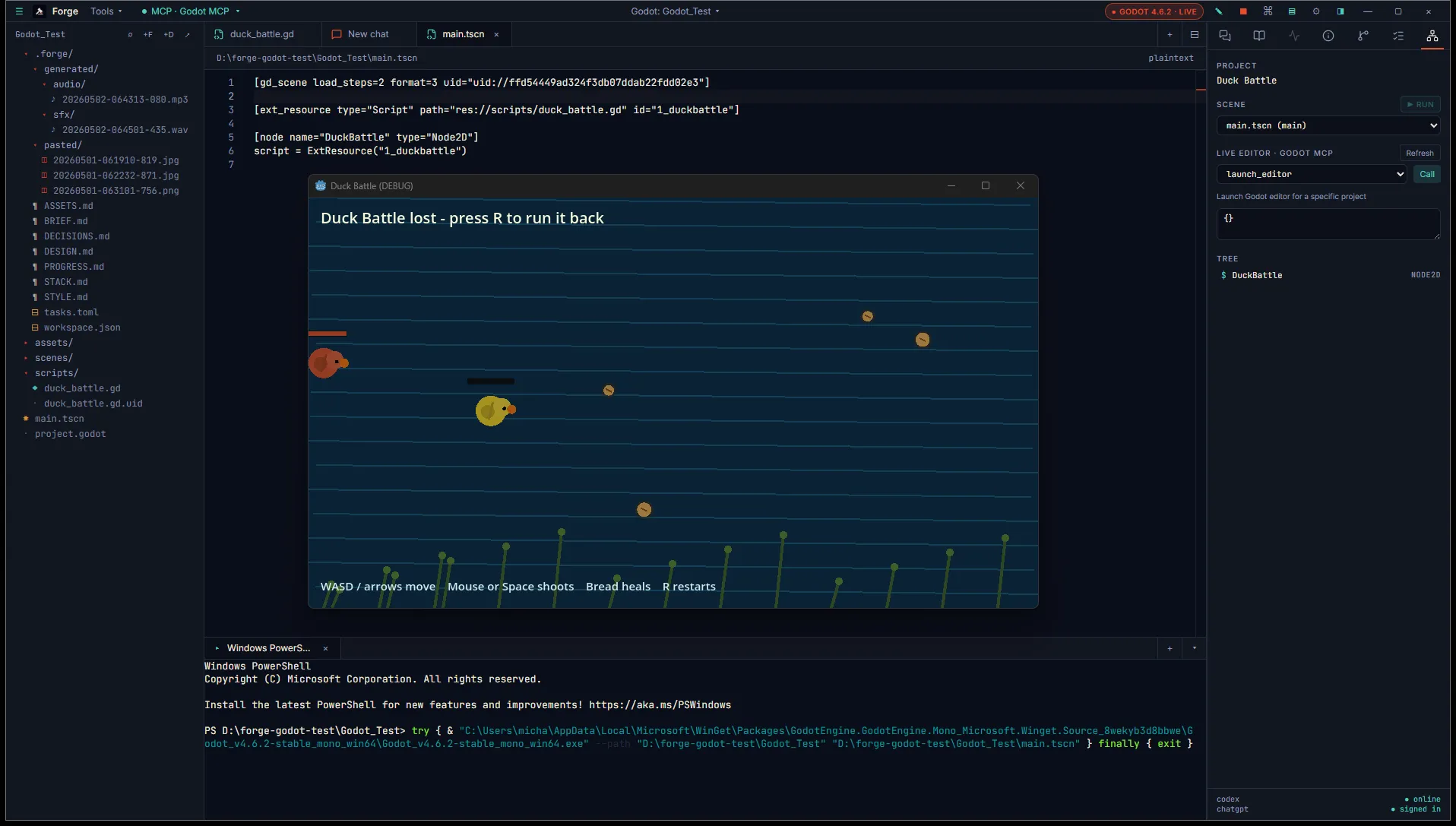
The view is read-only. Forge shows node types, names, parent-child relationships, and resolves attached script references back to their .gd files.
3. Open a GDScript file
Section titled “3. Open a GDScript file”Click any .gd file in the project explorer. It opens in a Monaco code tab.
The Inspector swaps in an Outline tab that lists the script’s class name, exported variables, methods, and signals. Click an entry to scroll Monaco to its definition.
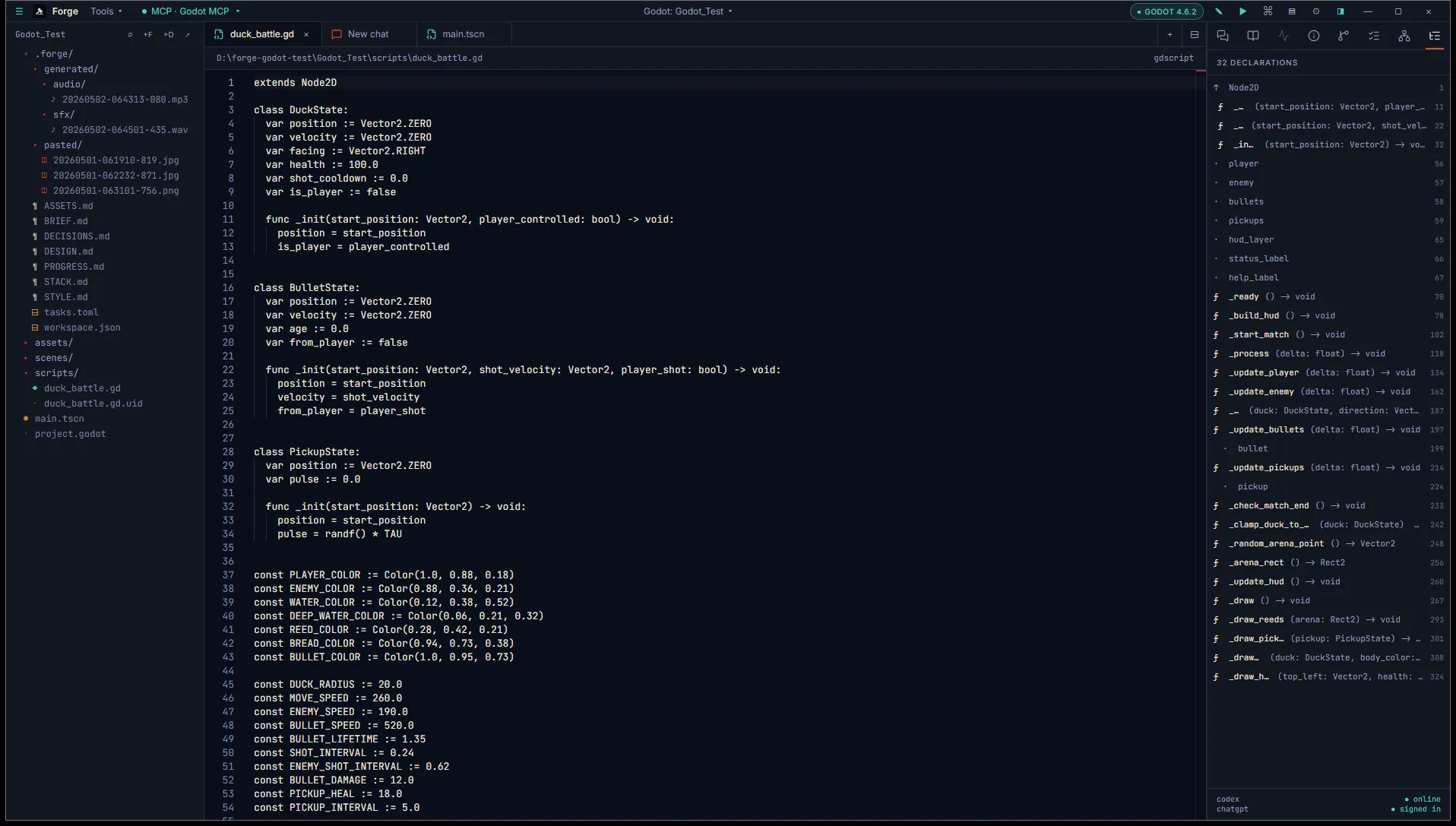
Outline parsing is regex-based, so deeply nested or unusual syntax may not appear.
4. Try a code edit
Section titled “4. Try a code edit”Open a chat tab and ask the agent to make a change to the open file. For example:
In Player.gd, add a
health: int = 100exported variable just under the class declaration.
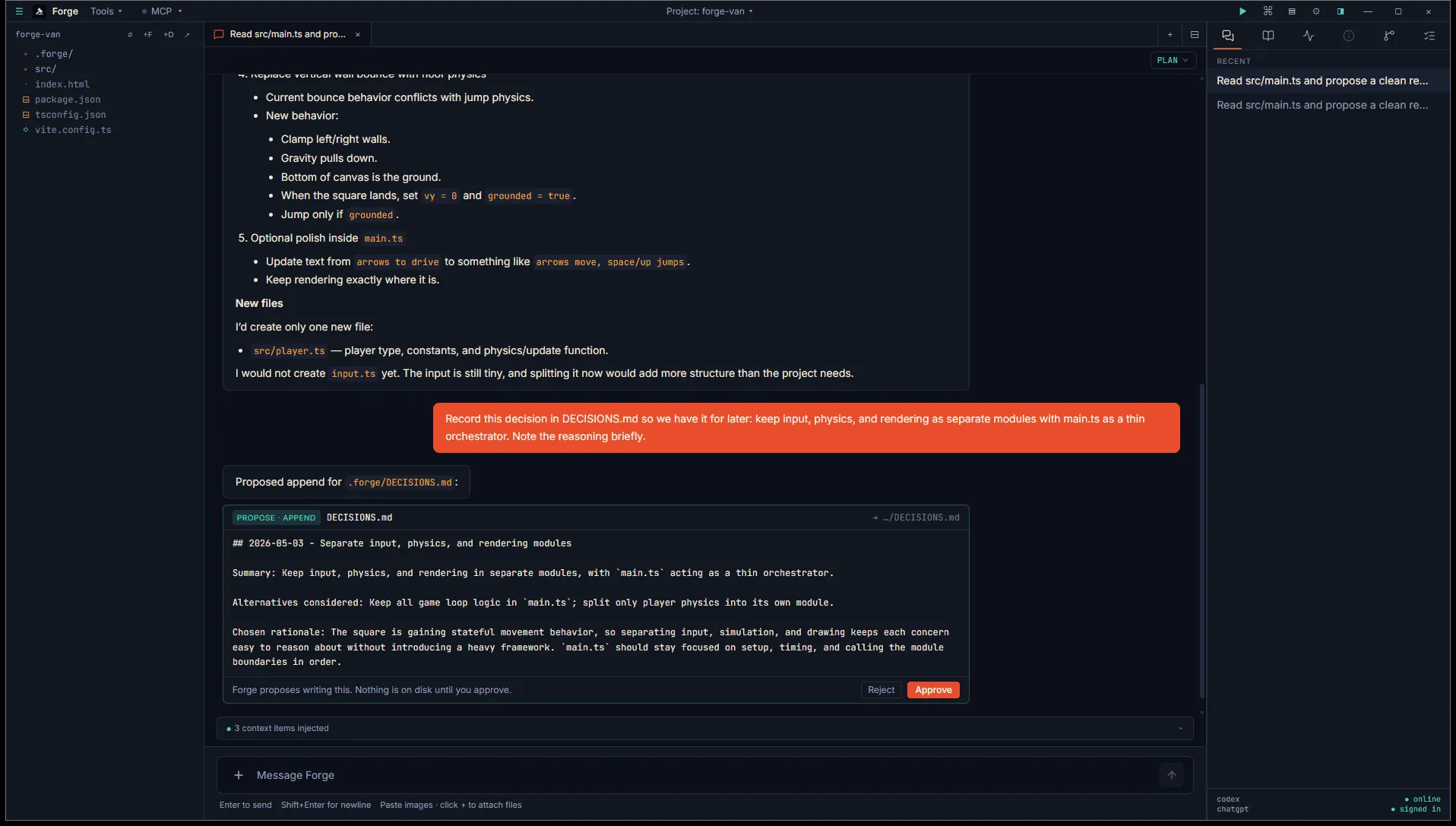
The agent emits a diff card showing the proposed change. Tick the hunks you want to keep, click Approve, and Forge applies the patch and (in a git repo) commits with a Conventional Commits message.
5. Run your build
Section titled “5. Run your build”Add a build task to .forge/tasks.toml:
[[tasks]]name = "build-web"label = "Export to HTML5"command = "godot --headless --export-release \"Web\" build/web/index.html"Open the command palette (Ctrl+Shift+P), pick Task: Export to HTML5, and Forge runs it in a fresh terminal session.
You’ll need to define the export preset in the Godot Editor first (Project → Export → Add → Web → Save) so the preset name "Web" resolves.
What’s next
Section titled “What’s next”- Godot project and version detection covers the file-based detection rules.
- Scene tree inspector goes deeper on the Inspector’s Scene tab.
- GDScript outline covers the Outline tab.